MainframeMonitor
Turn your iPhone into a mainframe from the golden age of computing.
About
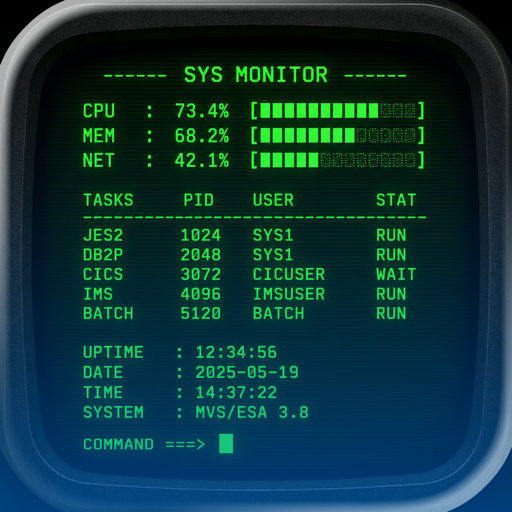
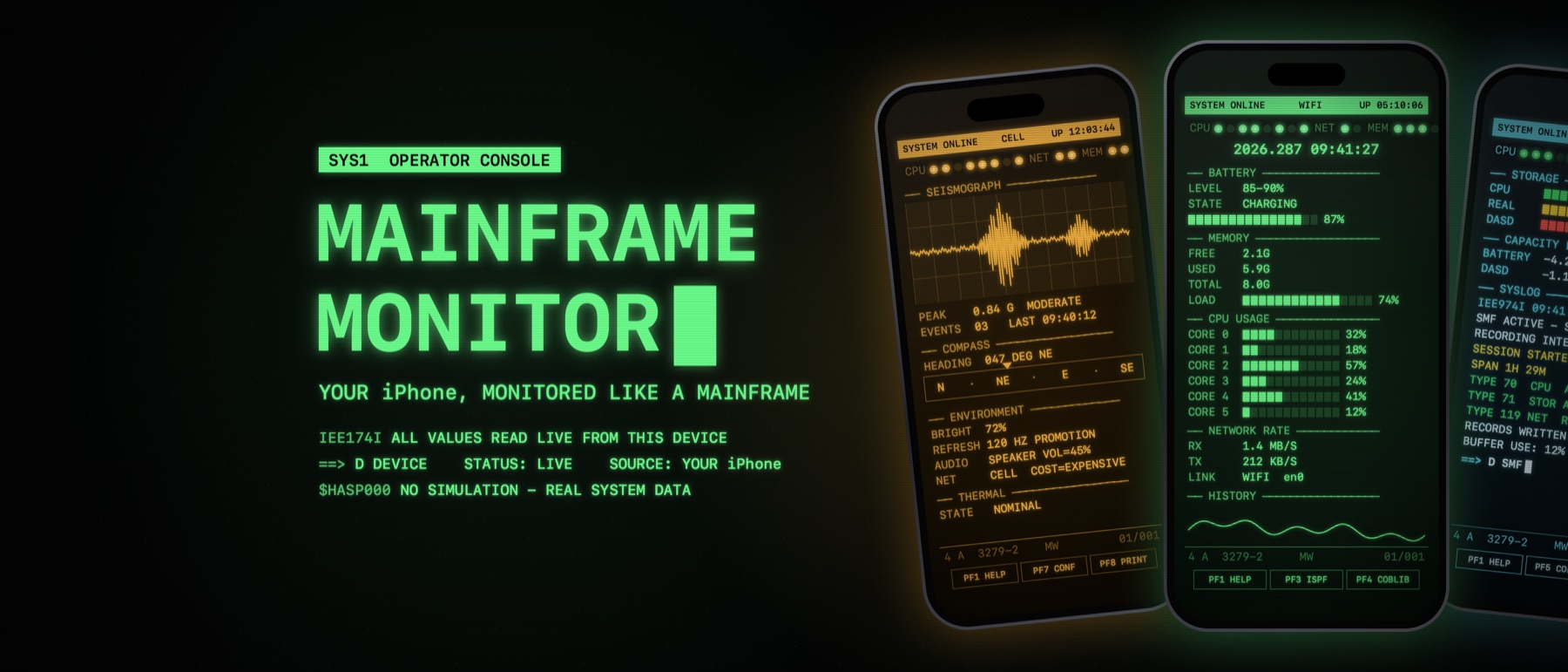
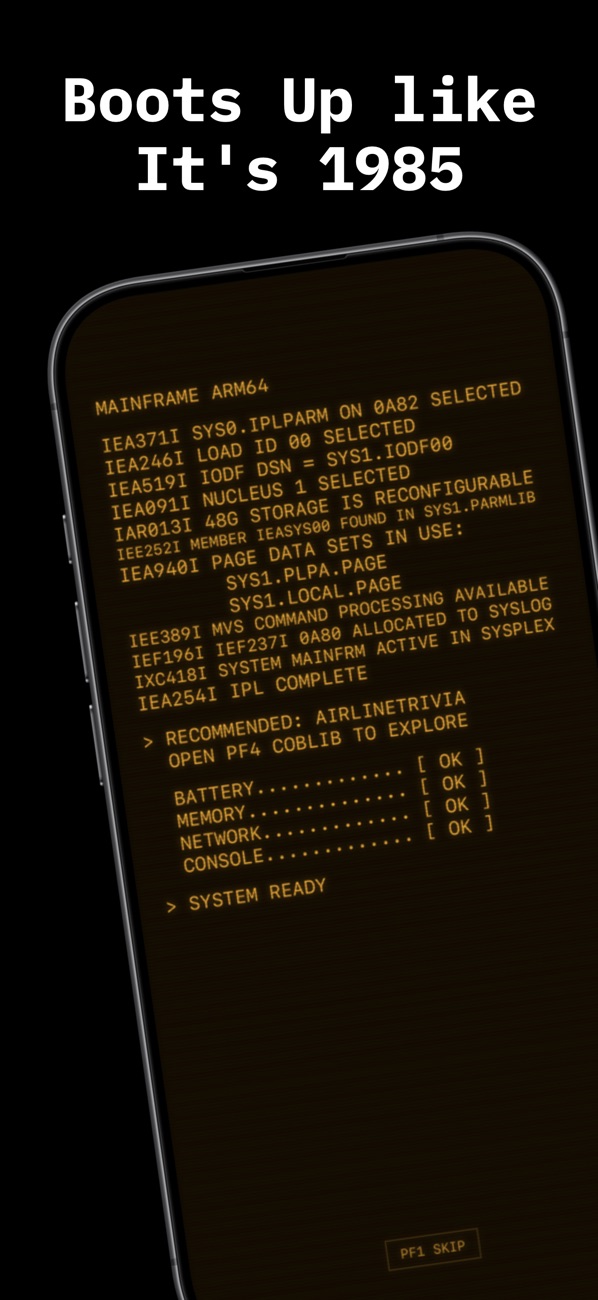
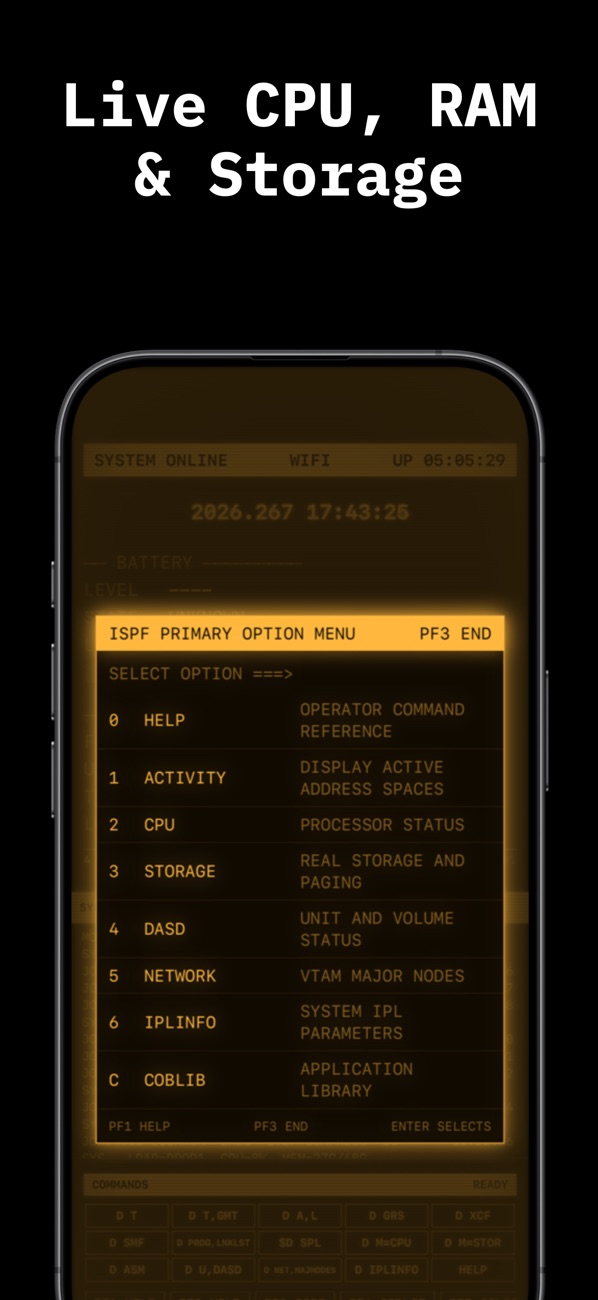
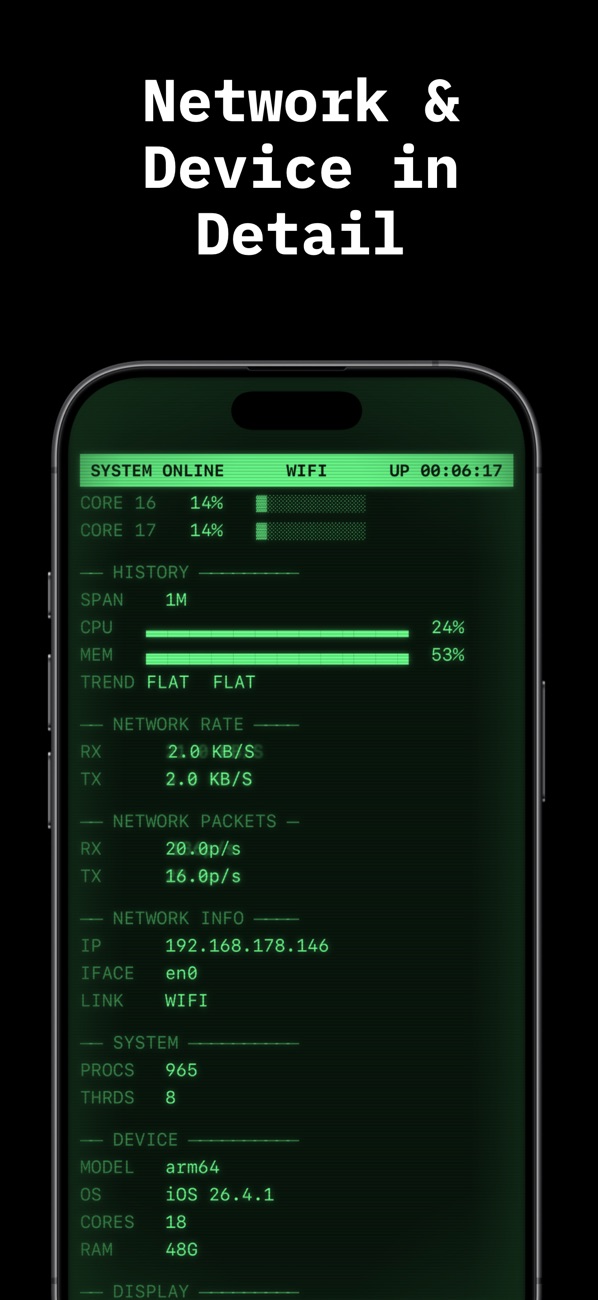
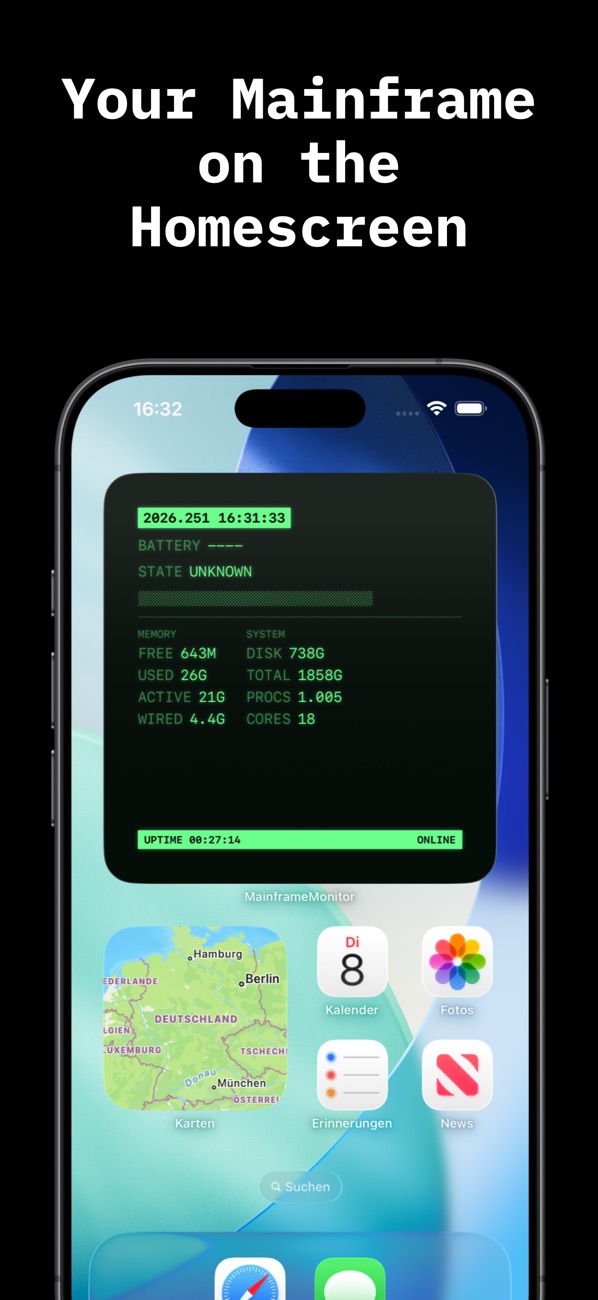
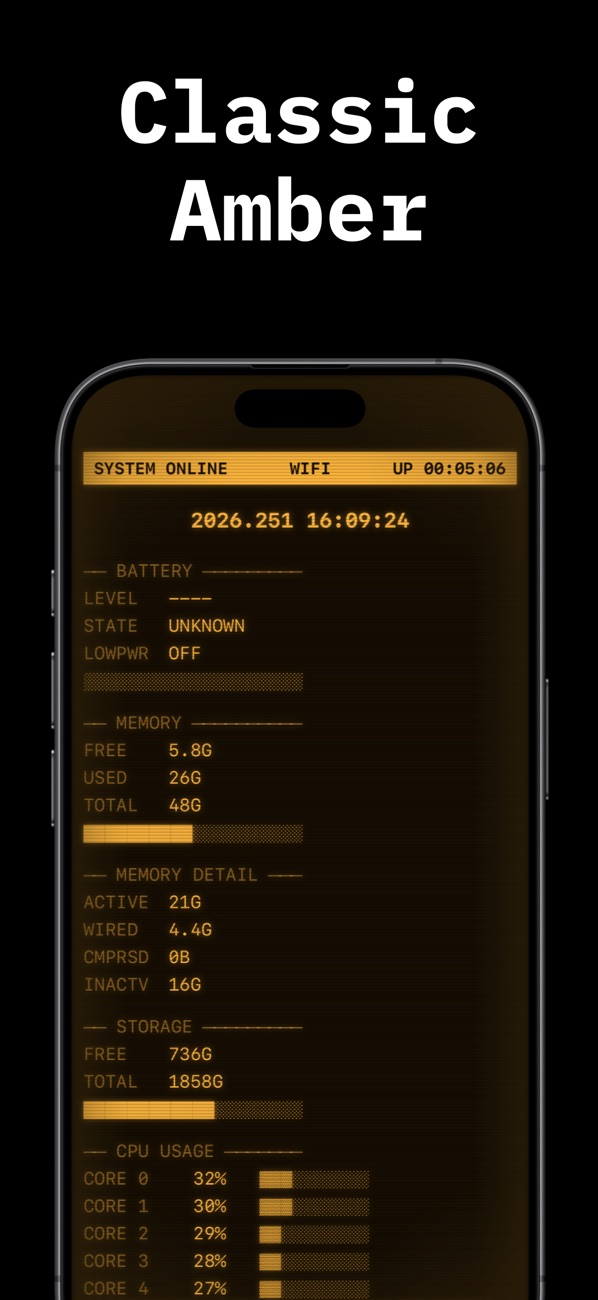
MainframeMonitor shows your device’s live values in a nostalgic CRT console — phosphor glow, scanlines, boot sequence and key clicks included, in classic GREEN or warm AMBER. Beyond battery, CPU, memory and storage it brings real network tools: a traceroute with route map, latency and clock measurements and the Sysplex link that couples several devices on your local network.
- Live system monitor: battery, CPU, memory, storage, uptime
- Traceroute with world route map
- Seismograph, front-panel lamps, compass and line printer
- Home Screen widget and Live Activity
- Hidden classics: Snake, Hamurabi, Void Patrol, Bagels
What leaves your device
A system and network monitor can only measure the network by using it. Here is everything the app sends — none of it reaches me, and there is no server of mine involved.
- Traceroute — When you start a trace, test packets go to the destination you enter; every router on the way sees your public IP address.
- Route map — To place the hops on the map, their IP addresses and your public IP are looked up at freeipapi.com.
- Latency & clock — While the latency panel runs: a ping per second to 1.1.1.1 (Cloudflare) and a time query to time.apple.com every five minutes.
- Sysplex — Couples Mainframe apps on your local network via Bonjour and shares device name, model and live stats with them — never over the internet.
- My other apps — Icons in the ‘More apps’ section are loaded from Apple’s App Store servers.